Scan Any Menu,
Anywhere in the World
AI-powered translation, allergen detection, currency conversion, and pronunciation guidance — all in one app.
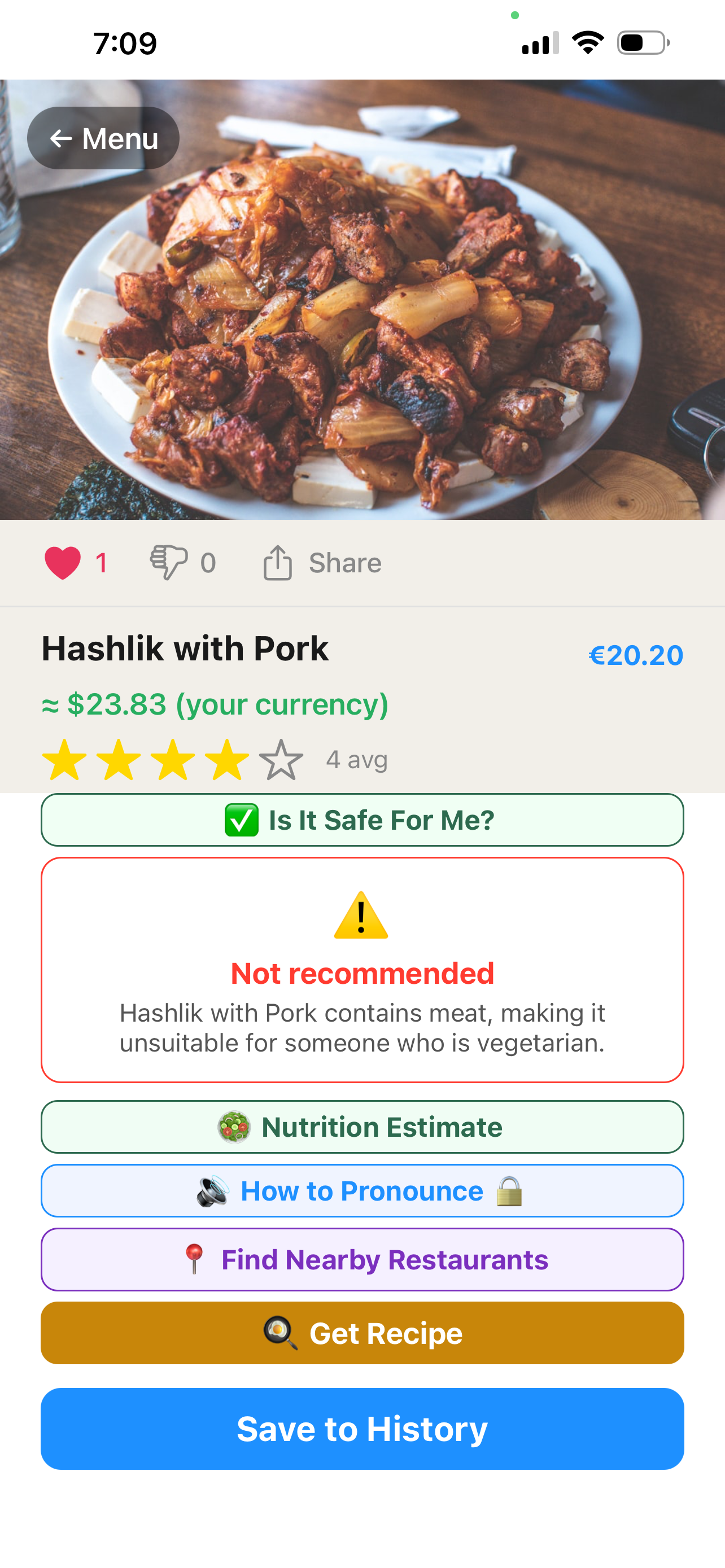
Everything You Need at the Table
Point. Shoot. Done.
Open the camera in DishPassport, point it at any menu page, and tap Scan. The AI processes the image and extracts every dish name within seconds — whether the menu is in Japanese, Arabic, Thai, or anything else.
No WiFi? You can also select a photo from your library to scan later.
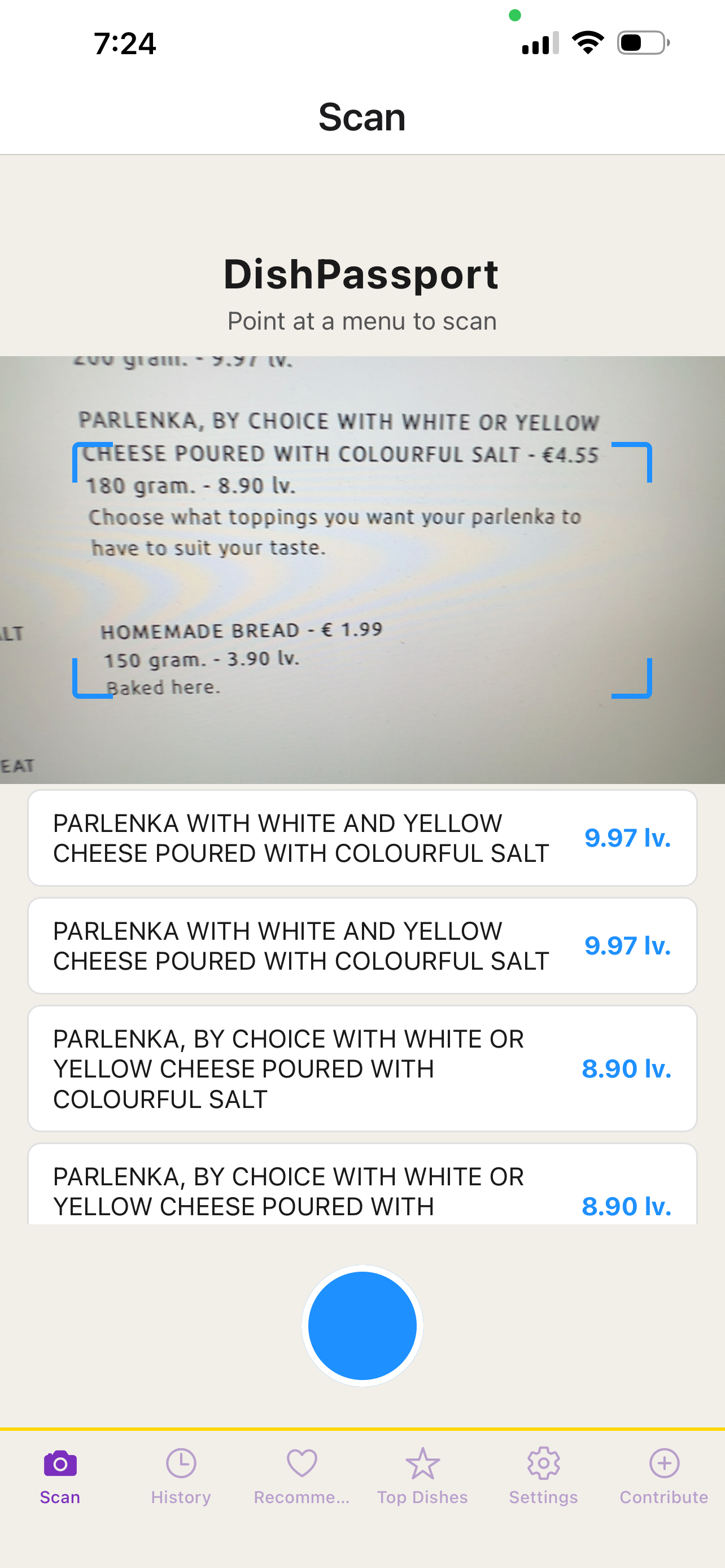
Every Dish, Explained
Each dish gets a plain-English name, a full description of what it is, how it's prepared, and what the key ingredients are. No more mystery dishes — you'll know exactly what you're ordering before you open your mouth.
Supports 30+ languages including French, Spanish, Japanese, Chinese, Korean, Thai, Arabic, and more.
Know Before You Order
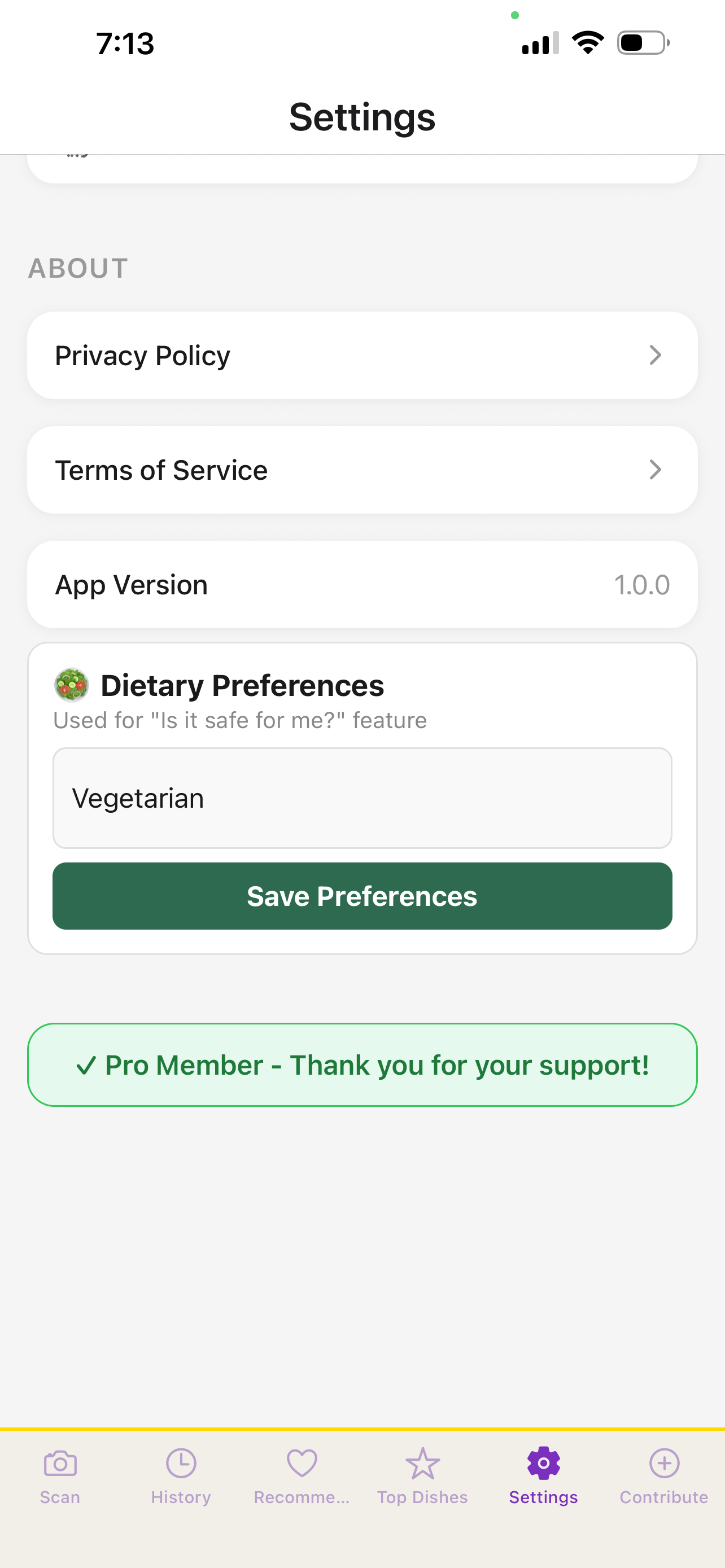
DishPassport flags dishes containing the 14 major allergens: nuts, gluten, dairy, eggs, shellfish, fish, soy, sesame, and more. Set your dietary profile once and let the app highlight dishes you should avoid.
Allergen detection is AI-estimated and should always be verified with restaurant staff for severe allergies.
Say It Like a Local
Tap any dish name to hear it spoken in the local language. No more awkward pointing at the menu — just tap, listen, and repeat. Works for every language supported in the app.
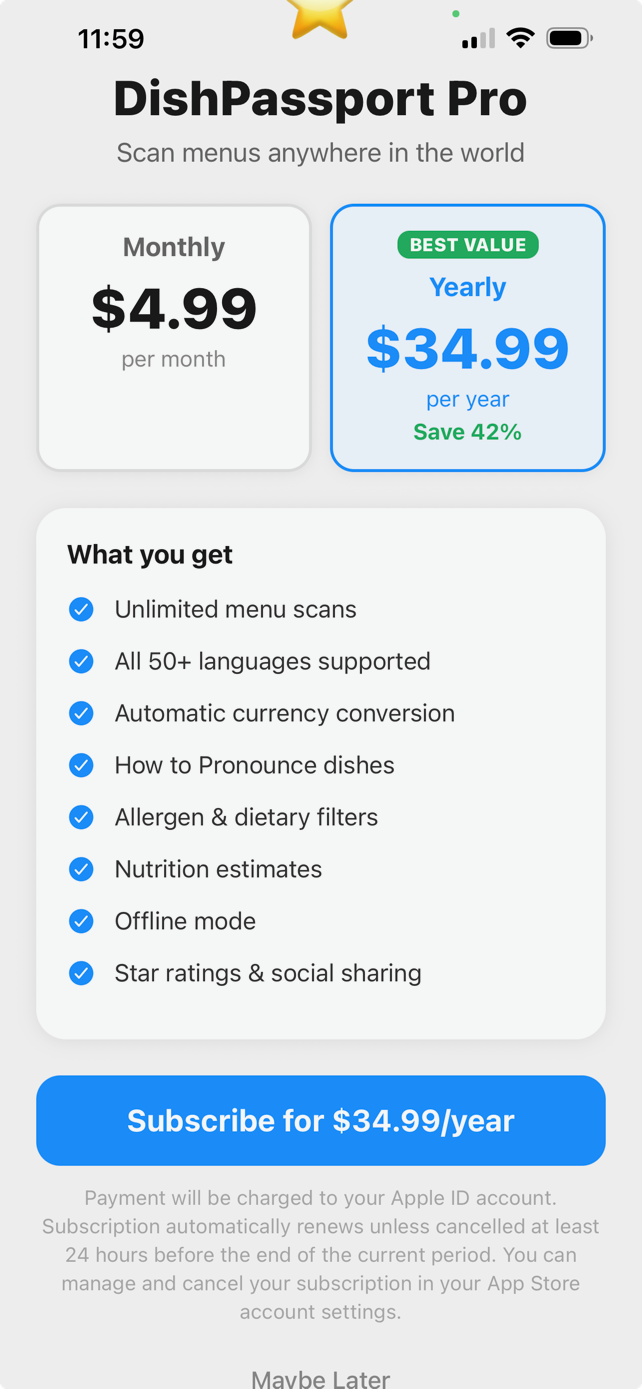
Pro feature: pronunciation audio available with DishPassport Pro.
Recreate Your Favorites at Home
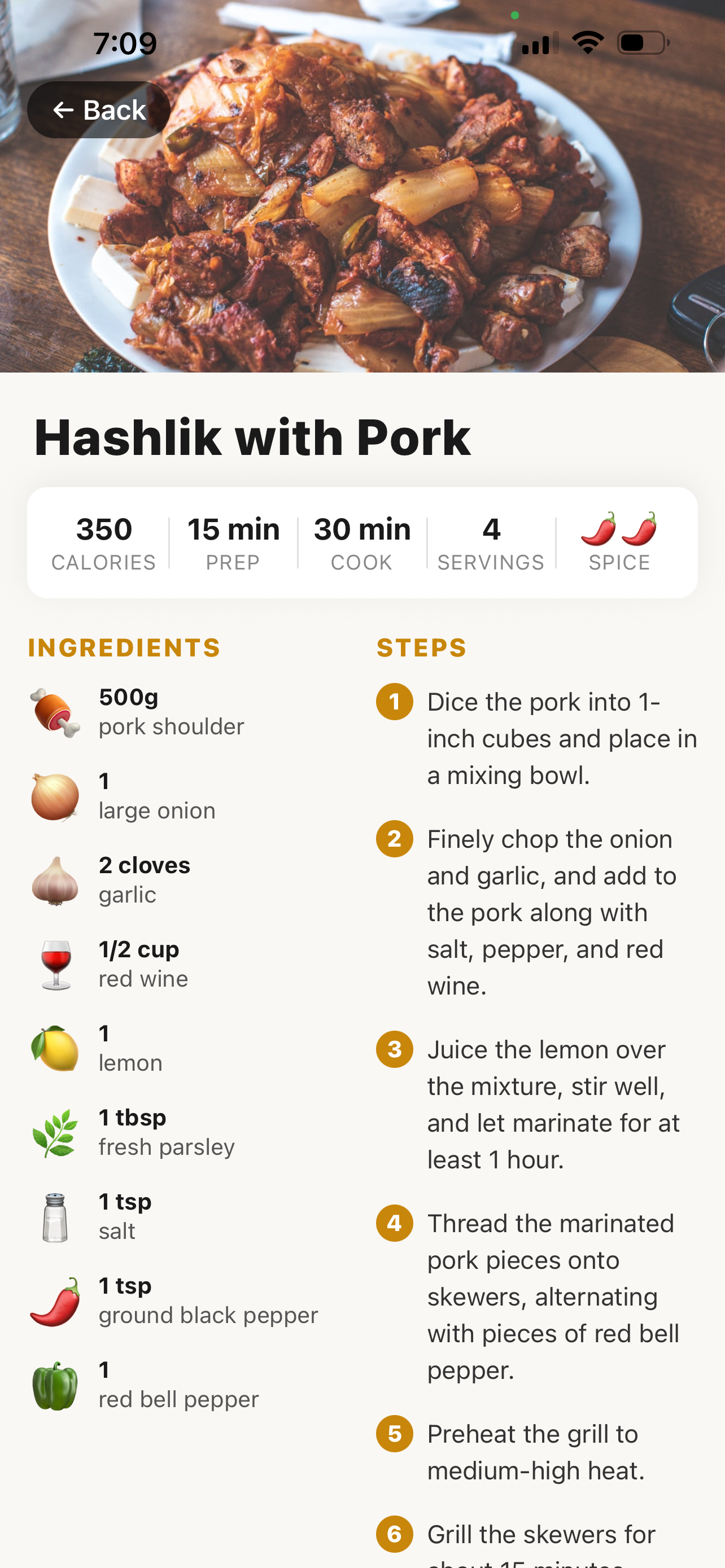
Loved a dish? The Recipe screen gives you a step-by-step guide to recreate it at home — with ingredient lists, cooking instructions, and serving tips. Bring the world's flavors back to your own kitchen.
Available with DishPassport Pro.
No More Price Guessing
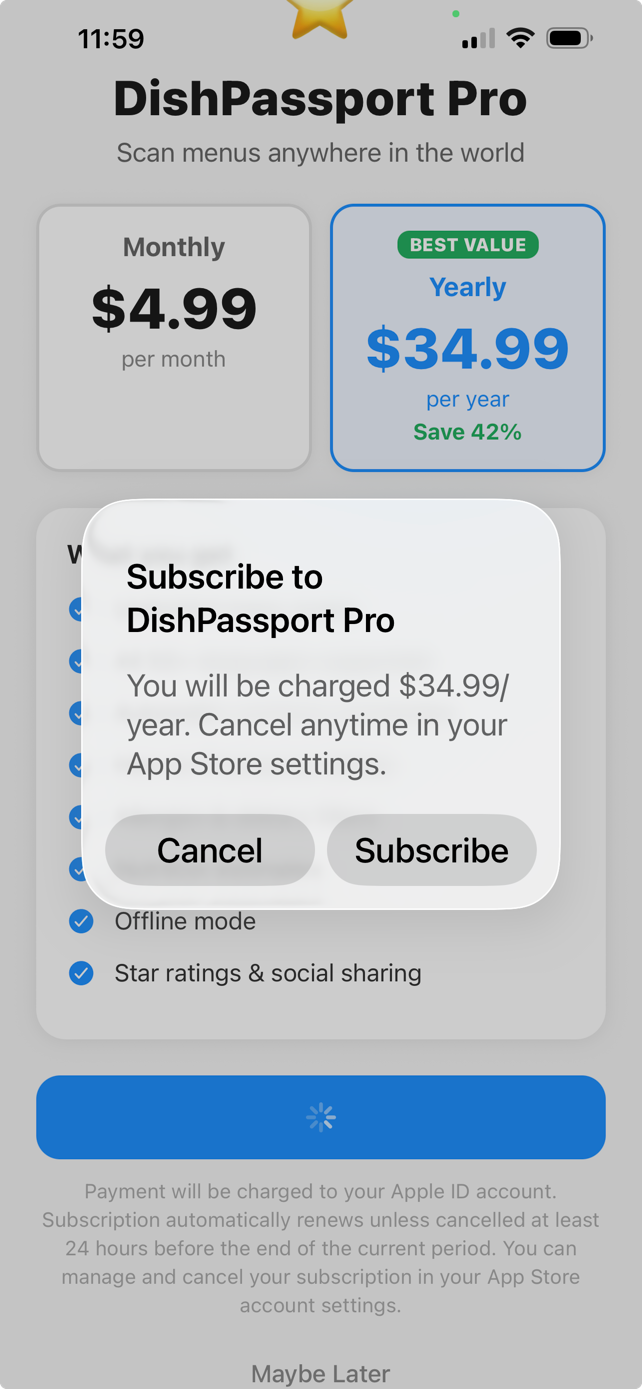
DishPassport detects the menu's local currency and automatically converts every price to your home currency. See exactly what you'll spend — in dollars, pounds, euros, or whatever currency you set in your profile.
Available with DishPassport Pro.
How DishPassport Works
Simple. Fast. No learning curve.
Open the App
Launch DishPassport and tap the camera icon to start scanning
Scan the Menu
Point your camera at the menu page — or pick a photo from your library
AI Processes
Our AI reads the menu, identifies every dish, and fetches descriptions and info
Order Confidently
Browse translations, check allergens, hear pronunciations, and order
A Growing Database
Trending on DishPassport
What travelers around the world are discovering right now.
Plan Your Entire Trip Around Food
Use our free Food Trip Planner to build a day-by-day food itinerary before you travel. Then use DishPassport at every restaurant to scan, translate and discover.
🗺️ Try the Food Trip Planner Free